
The single most expensive obstacle in local AI is the GPU memory wall. If you want to run high-capability open models like Qwen 2.5 32B or Llama 3.3 70B, you are typically told to buy an enterprise graphics card like an RTX 4090 ($1,800–$2,000) or an expensive high-memory workstation.
In reality, modern consumer x86 computer processors equipped with AVX2 instruction sets are capable matrix multipliers. The actual bottleneck is simply system memory capacity. An isolated computer with 16GB of RAM hits an immediate Out-of-Memory (OOM) error when attempting to load anything beyond an 8B model.
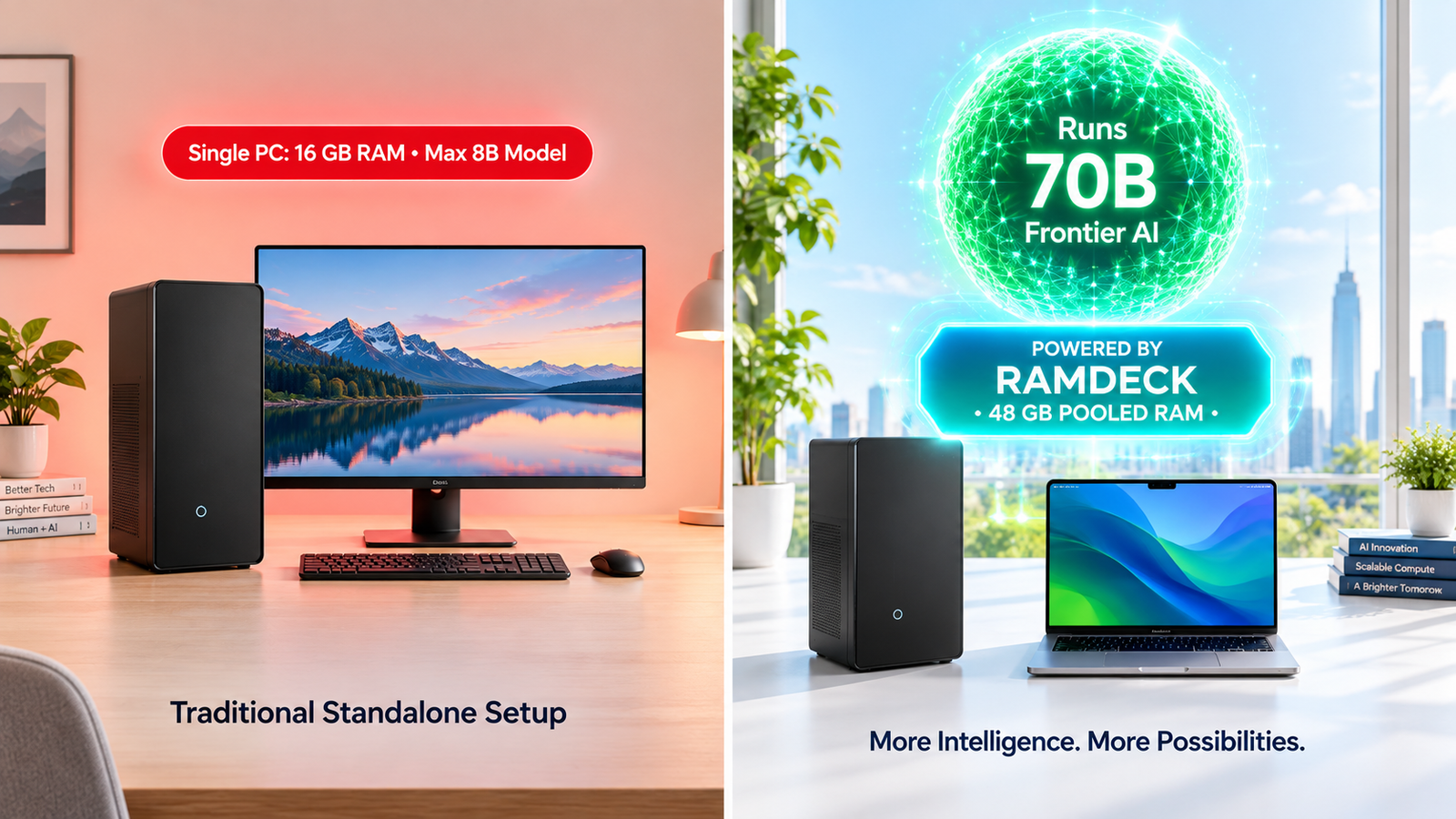
The Hardware-Priority Memory Pooling Solution
Instead of overpaying for retail hardware, distributed inference allows you to network multiple ordinary machines over your home Wi-Fi or Gigabit Ethernet switch. By pairing a spare desktop PC with an everyday laptop or mini PC, RAMDeck pools their physical memory into a unified 48GB workspace.
- Single 16GB PC: Restricted to 3B–8B parameter models.
- Two 16GB PCs Pooled: 26GB usable memory, running 30B MoE & 32B dense models at 12–38 tokens/sec.
- Three Consumer Devices: 42GB–48GB usable memory, running full 70B frontier models smoothly.
Read the canonical, step-by-step tutorial on How to Use an Existing PC for Local AI at RAMDeck.com.
You can also back the dedicated, plug-and-play RAMDeck Hardware Hub ($109 Super Early Bird) on Indiegogo.
— The TradeMAV Team


Leave a Reply